
Check the seat counter
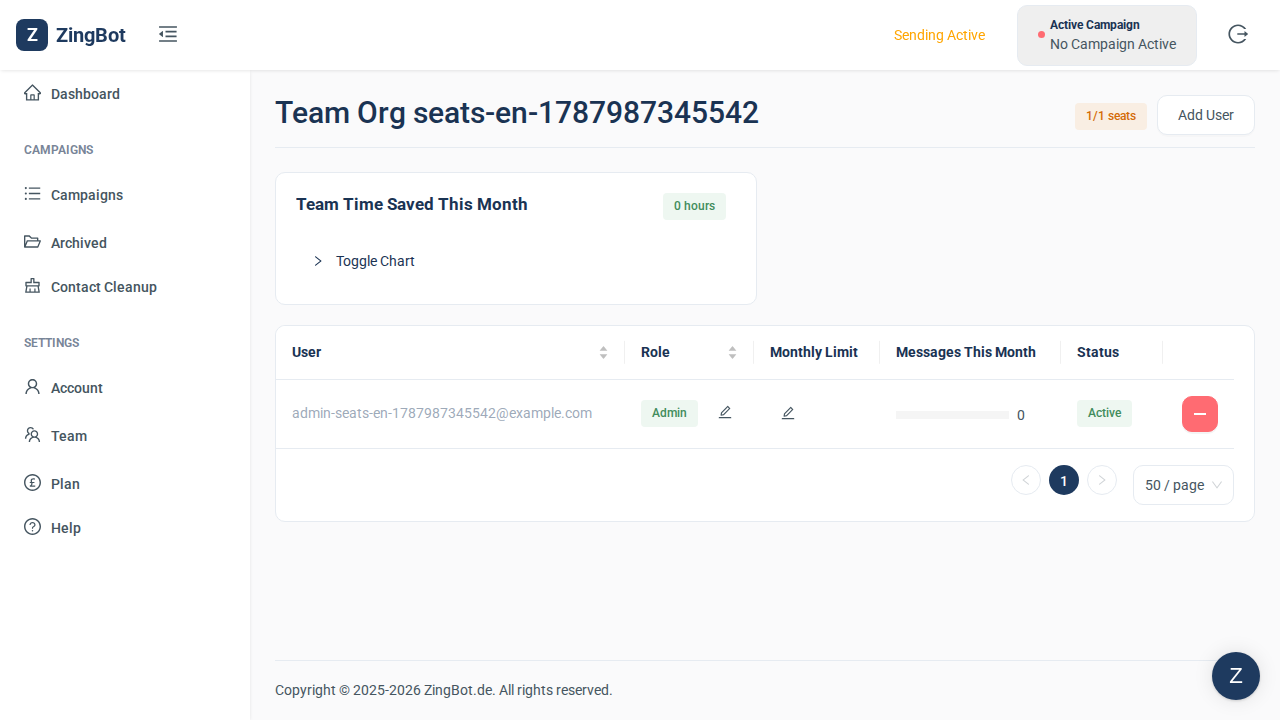
The top right of the team page shows how many of your plan’s seats are in use. If it reads “1/1”, there is no free seat — any further seat has to be purchased.
You can add them, but not activate them
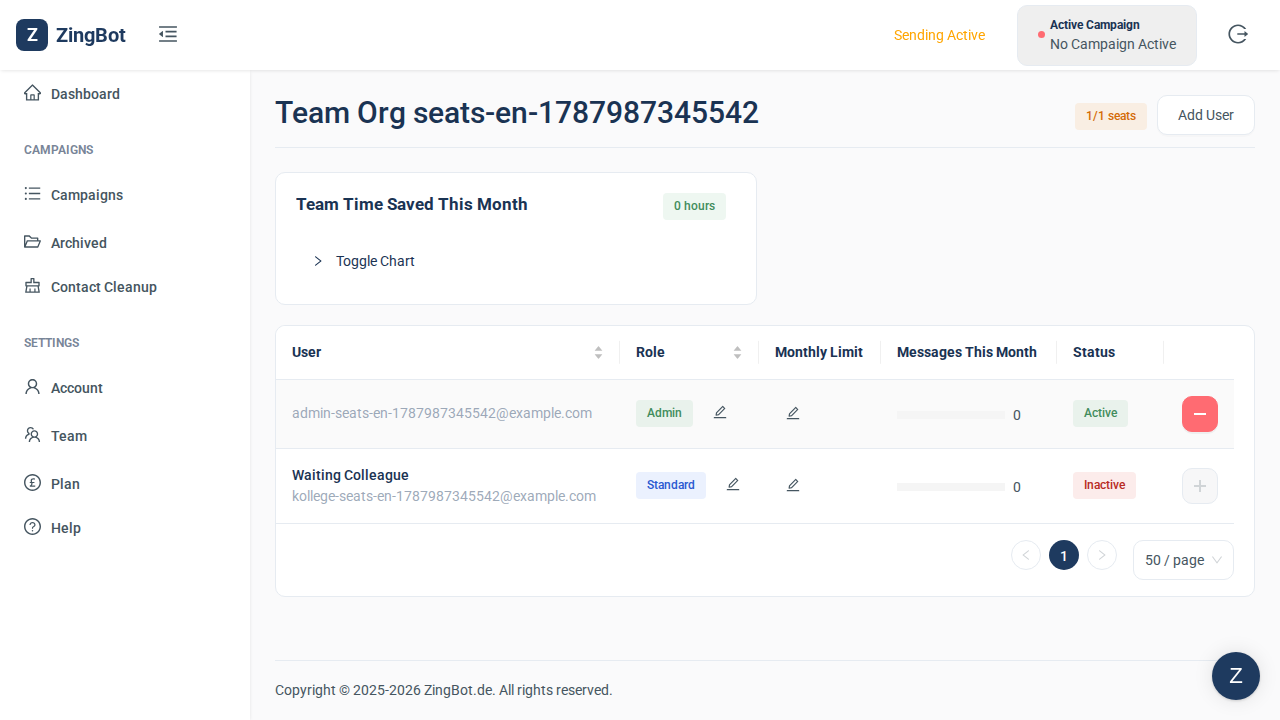
You can still add people; they appear in the list as INACTIVE. The activate button stays greyed out while no seat is free, though. Without activation the person cannot get into ZingBot: after signing in they only see a note that their administrator still has to finish setting up the account.
Buy additional seats
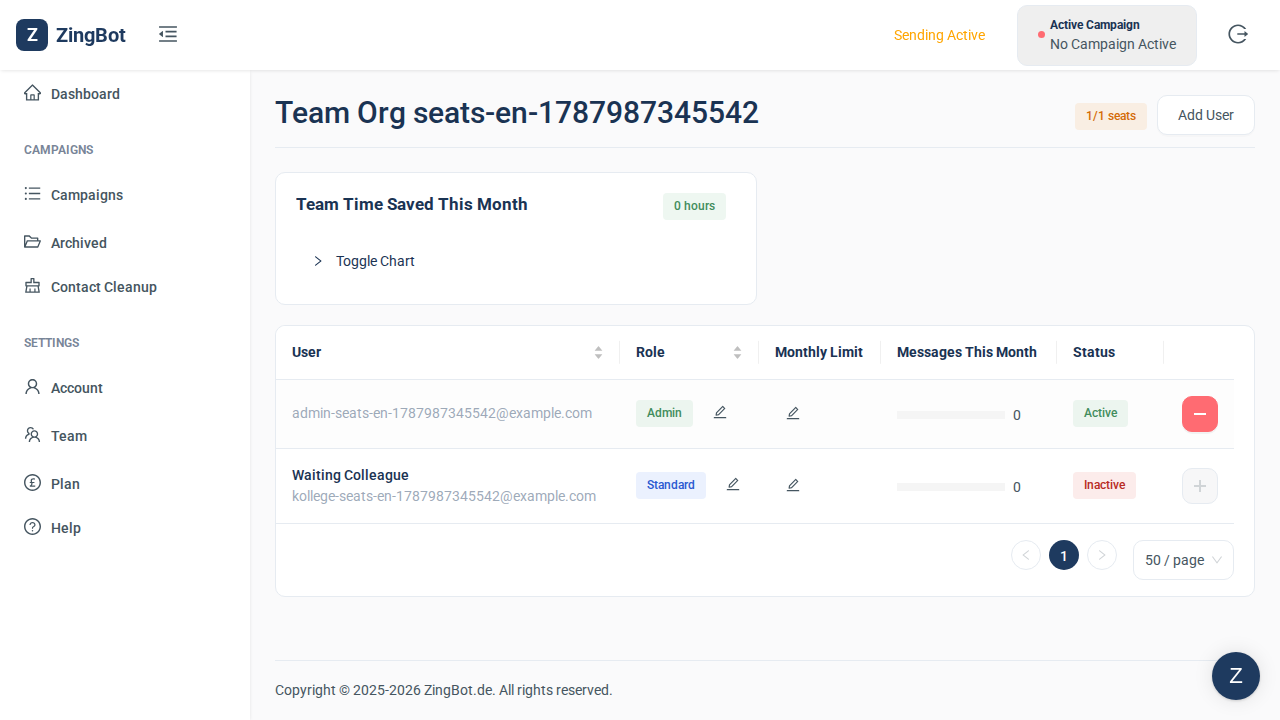
Hover over the seat counter and ZingBot points you at the Plan page. Increase the number of licences there. A seat is then free and you can activate the person as usual.