
Fill in the form
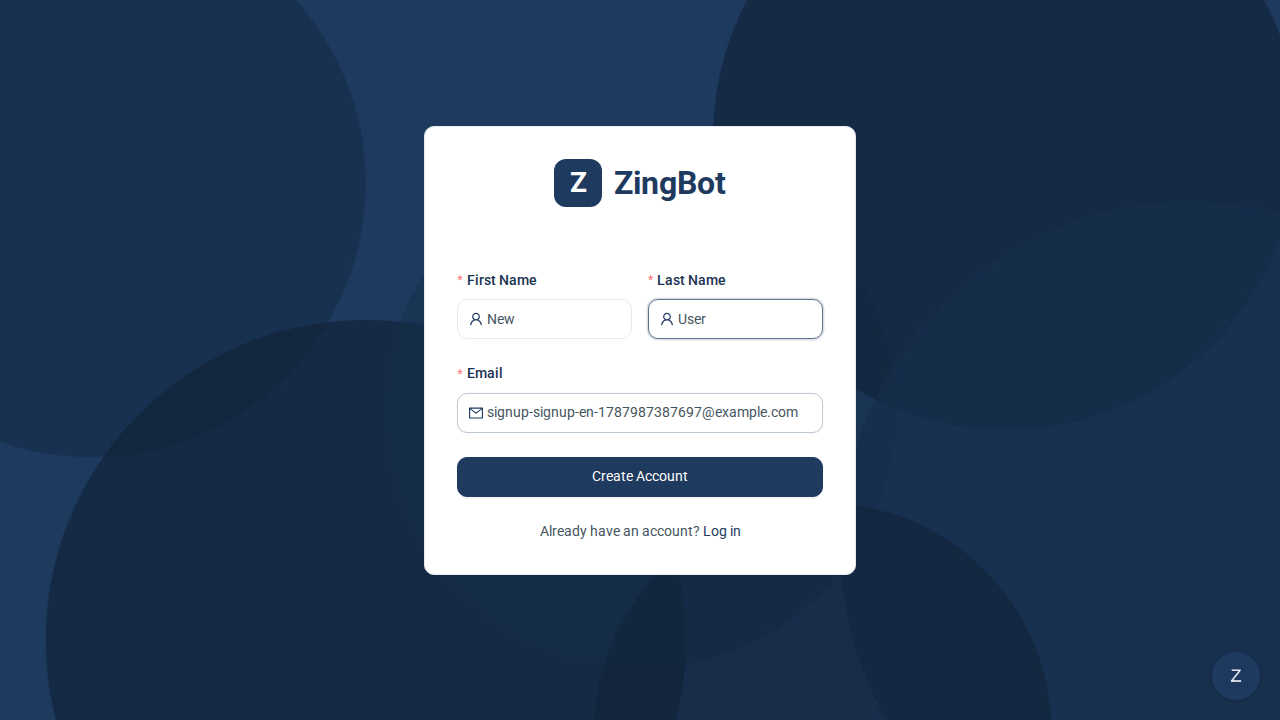
All you need is your first and last name and a work email address. You do not choose a password — ZingBot uses sign-in links instead.
The confirmation
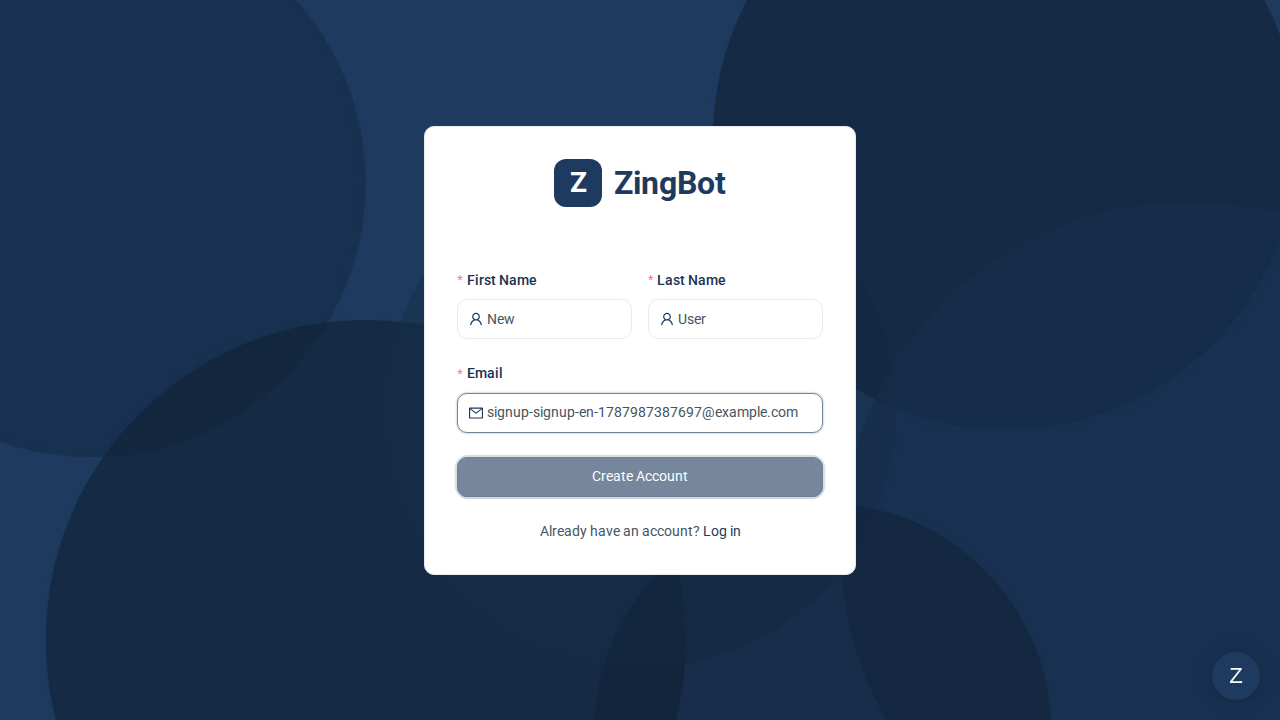
Once submitted, ZingBot confirms a sign-in link is on its way. It goes to exactly the address you entered.
Sign in through the link
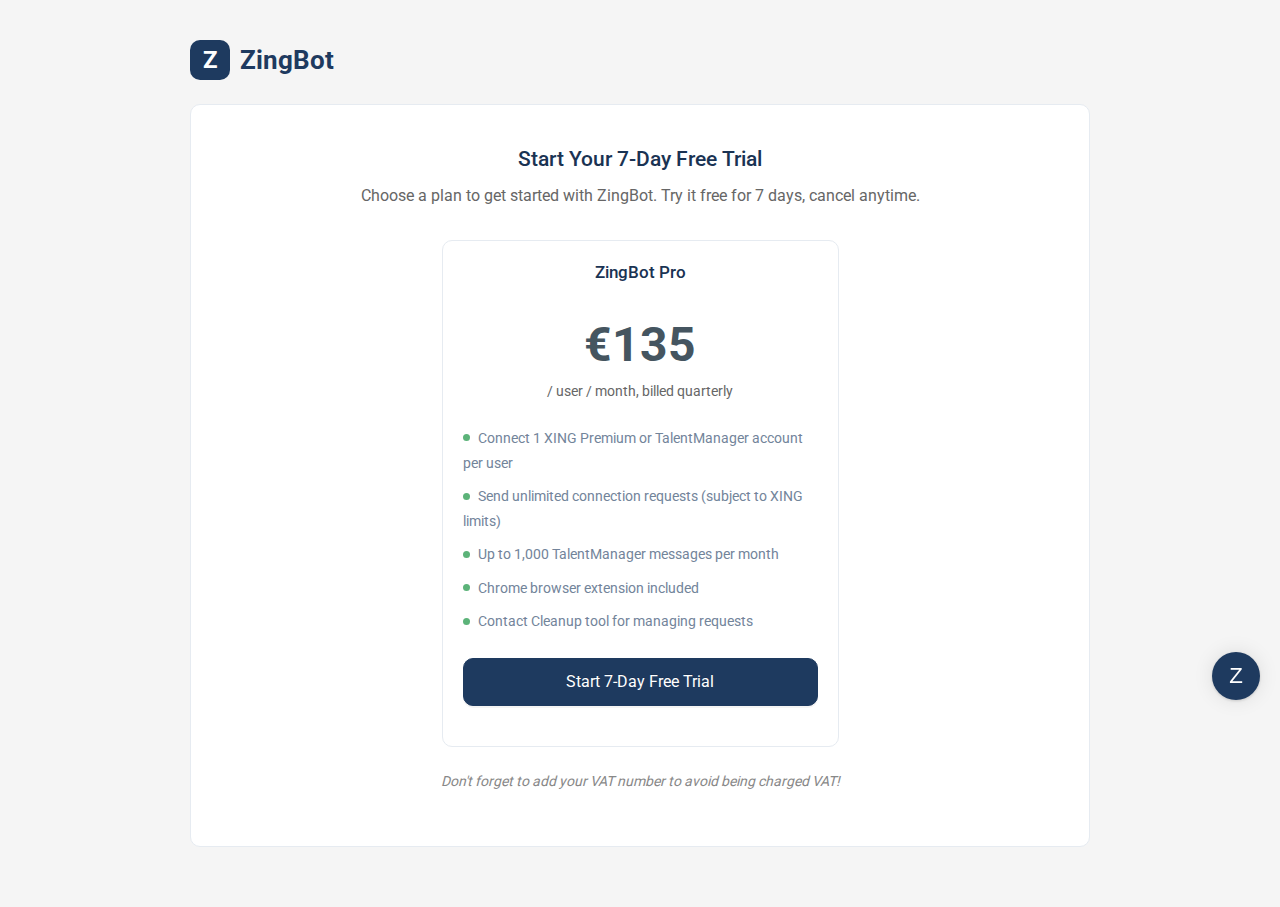
Clicking the link in the email signs you in. It works once — for your next sign-in you simply request a new one.