
Open team settings
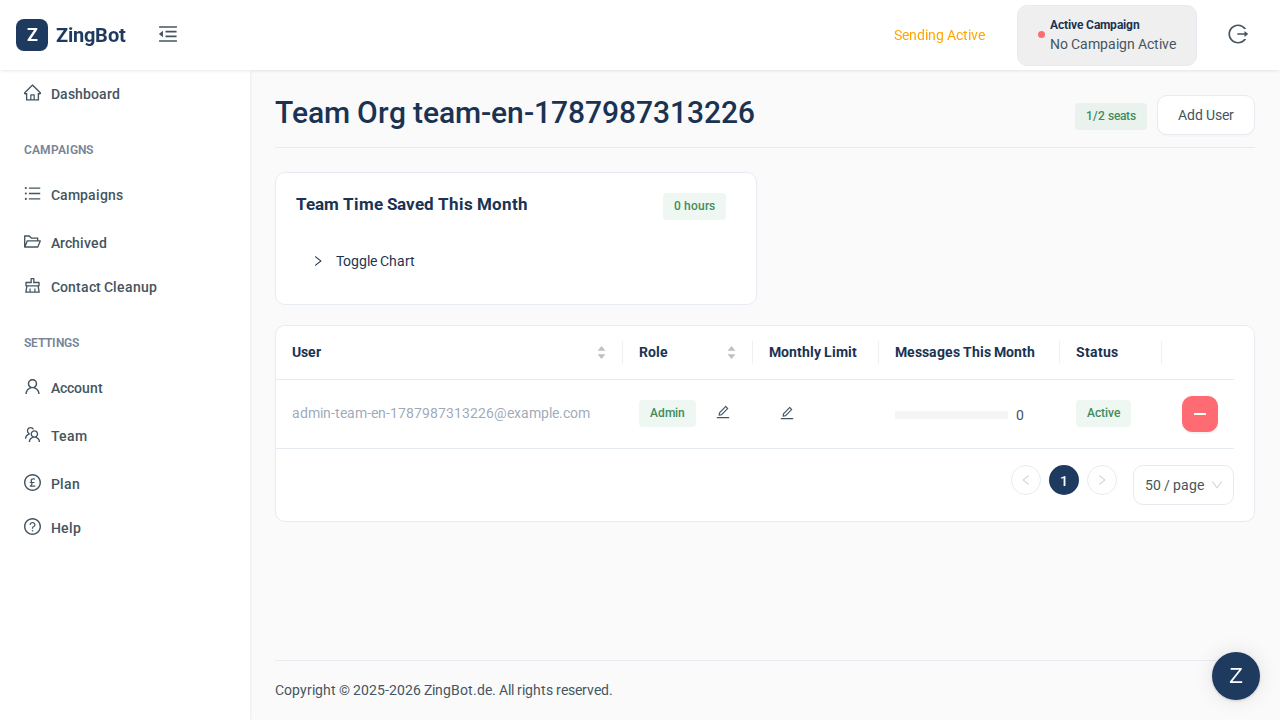
Settings → Team lists everyone with access to your ZingBot account, and how many seats your plan includes.
Add a person
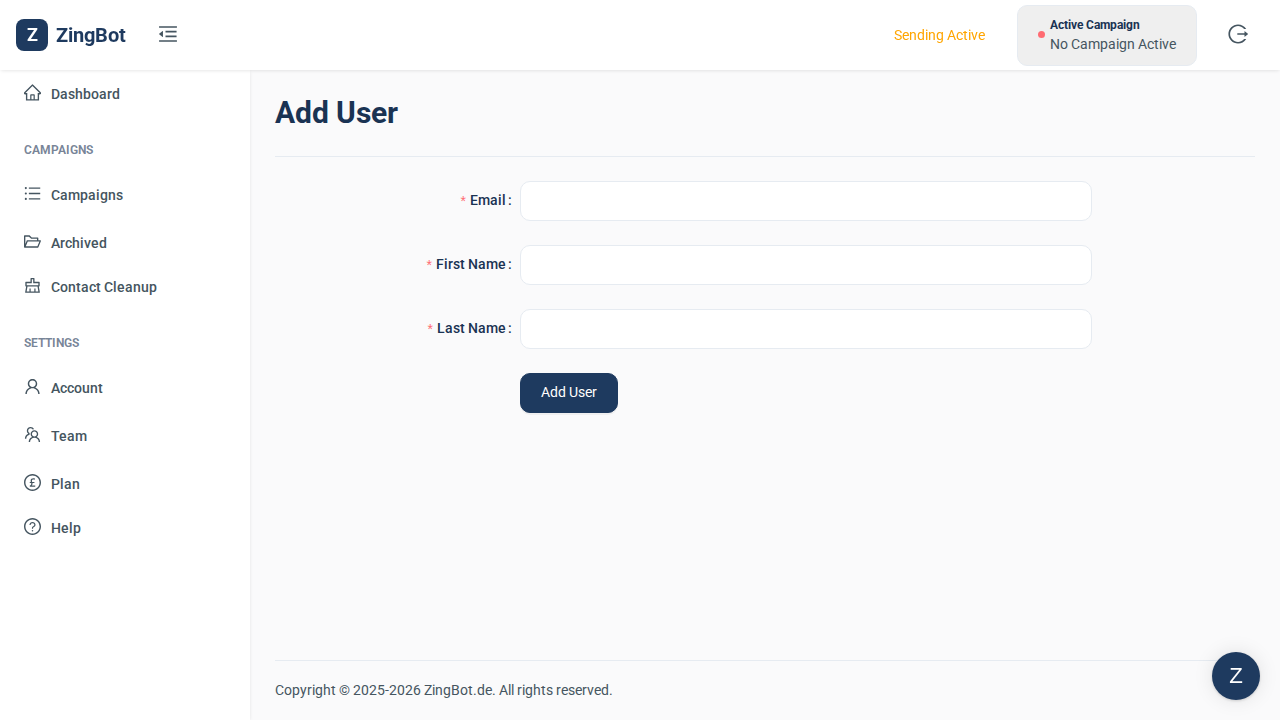
Add User creates a new person. All you need is their name and email address — you do not set a password for them.
Enter their details
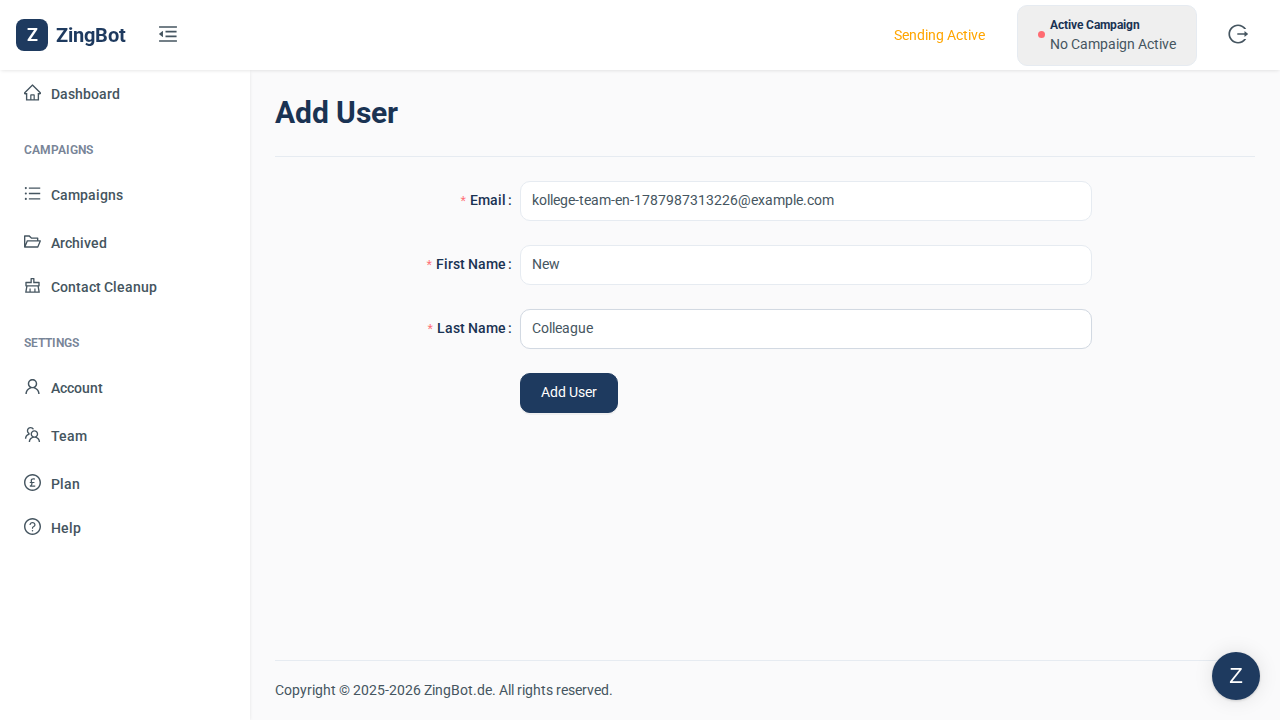
Fill in first and last name plus their work email address. That is where the sign-in link will be sent.
They appear in the team list
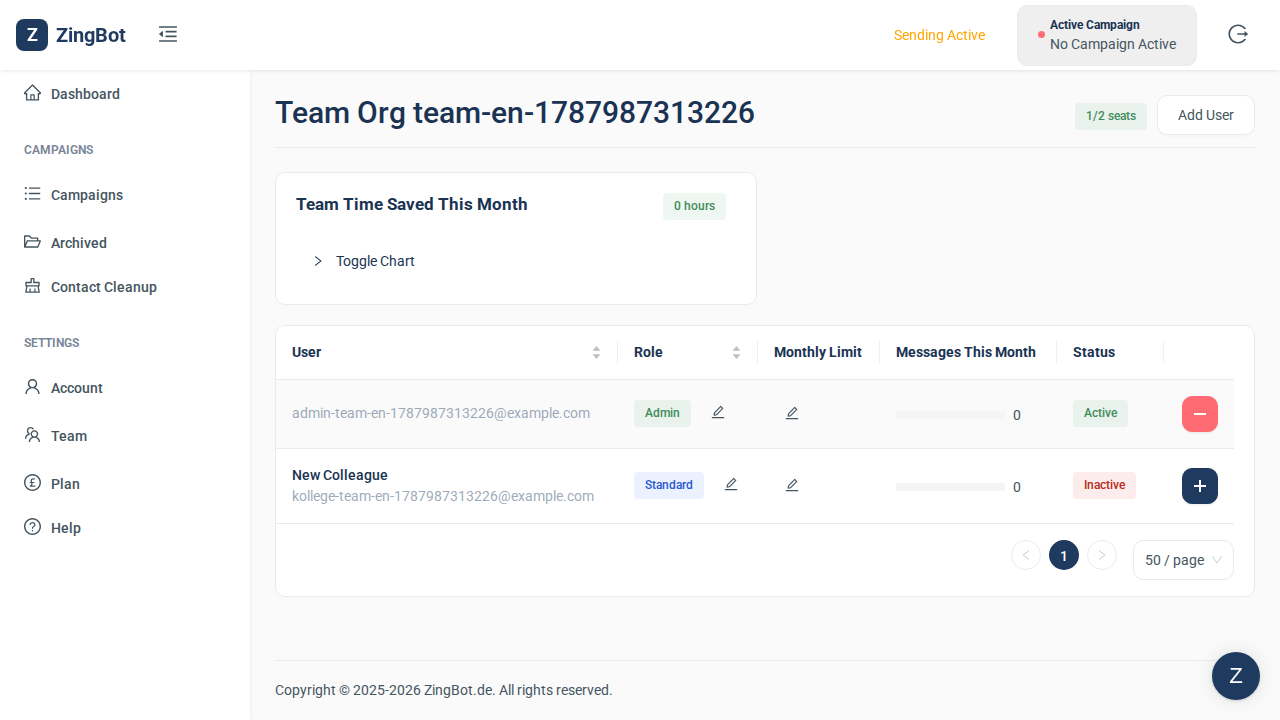
Once saved, the person shows up in the team list — but INACTIVE to begin with. In that state they take no seat and cannot sign in yet: the seat counter in the top right is unchanged.
Activate them
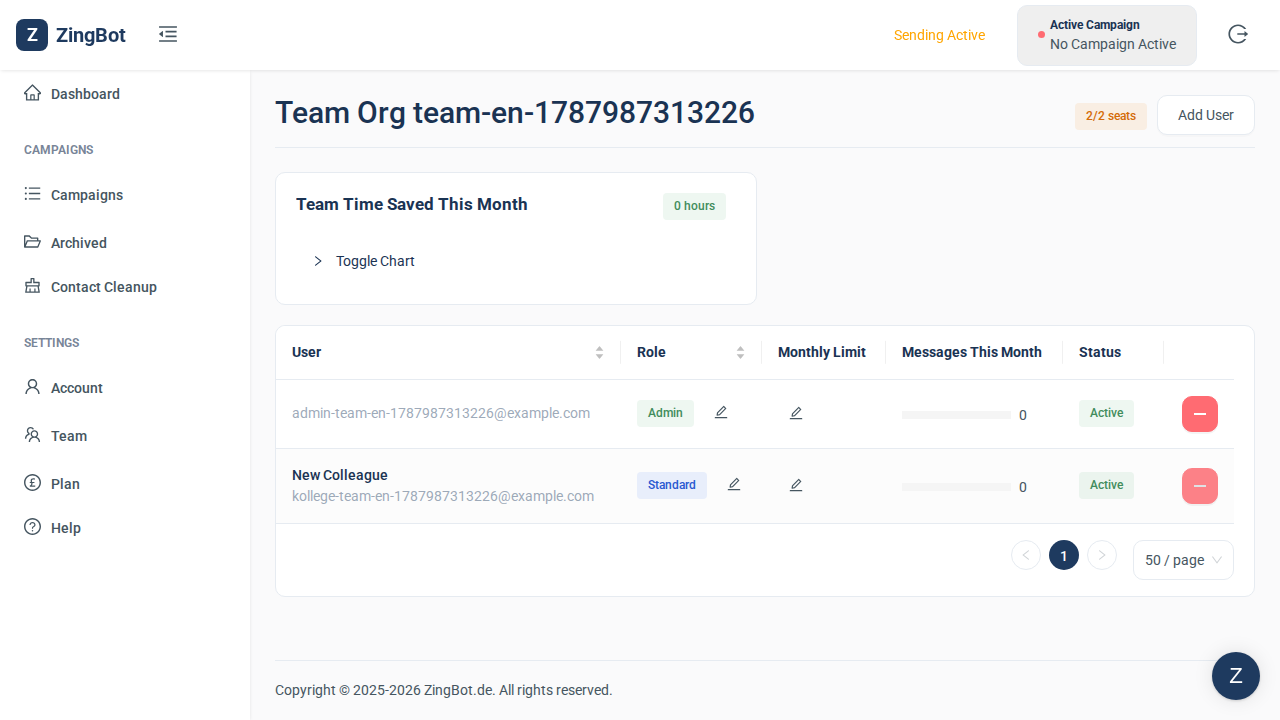
Clicking the plus in their row activates them — the status switches to ACTIVE. Only now do they take one of your plan’s seats, and the counter in the top right goes up accordingly. They then sign in using the link they were emailed, and are guided through connecting their own XING account.