
Open the sign-in page
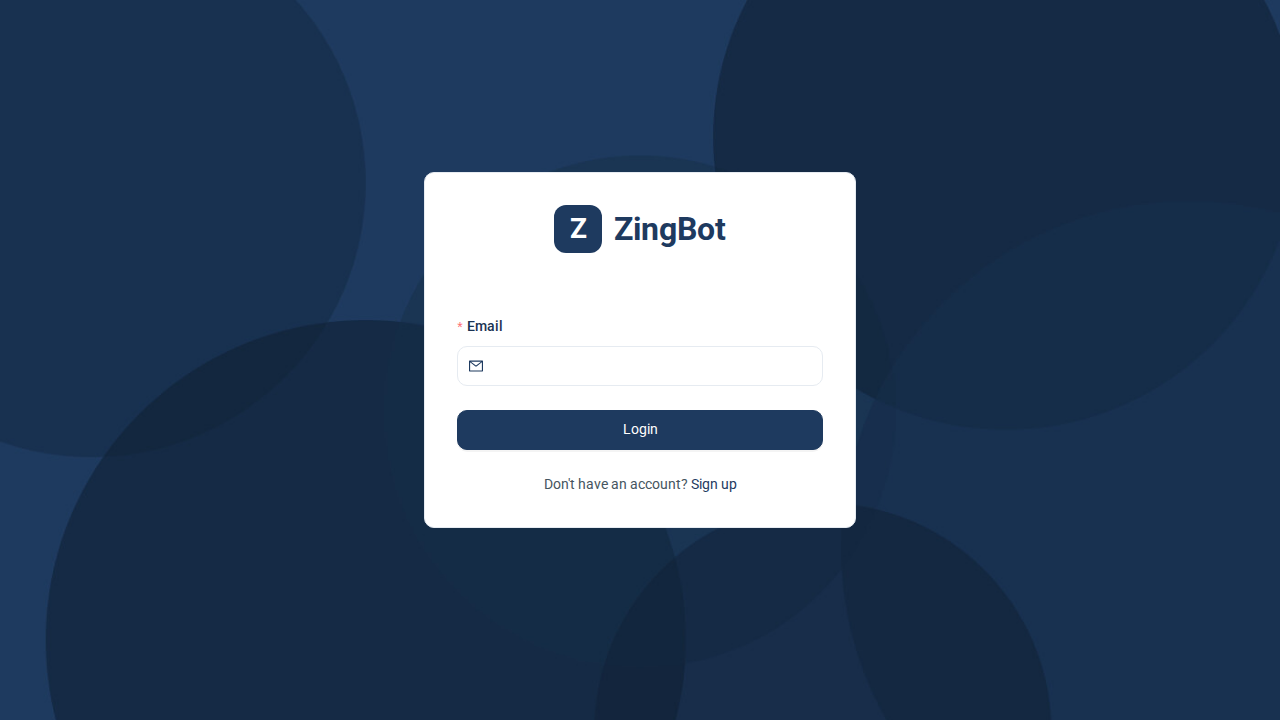
Opening any ZingBot page while signed out takes you to the sign-in page. Your campaigns and contacts stay out of sight until then, even for someone who knows the address.
Ask for a sign-in link
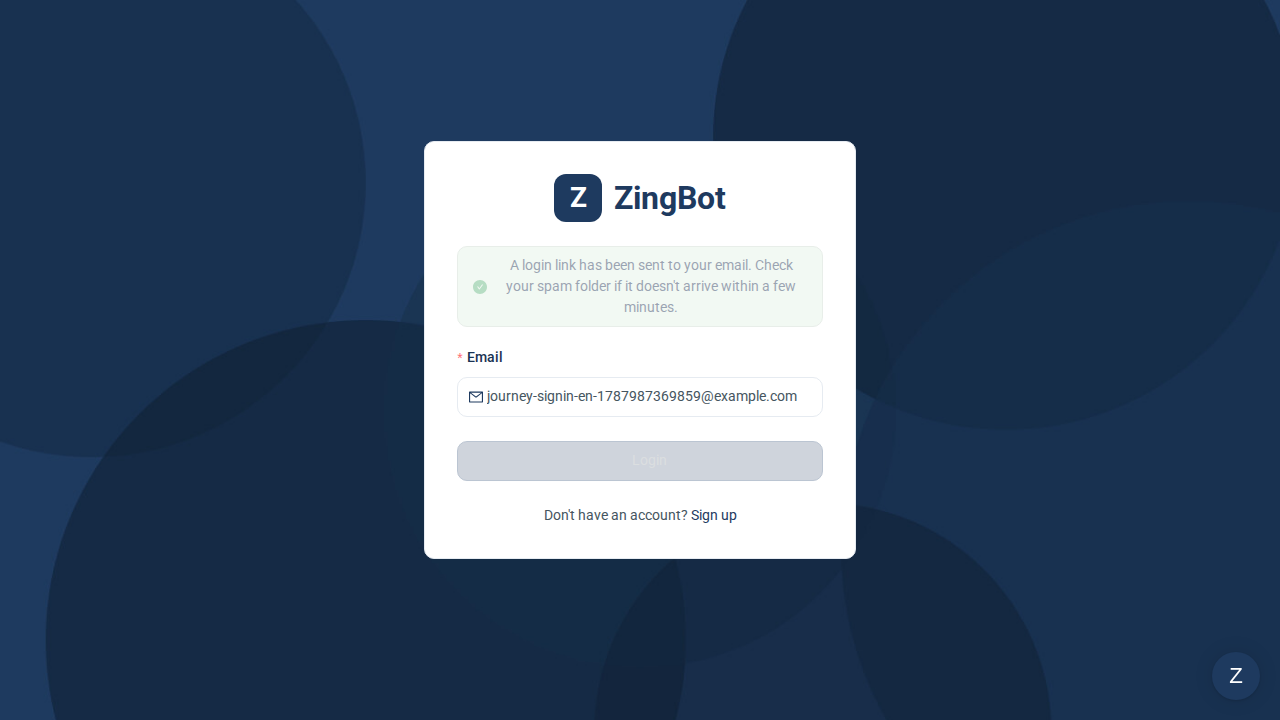
Enter the email address of your ZingBot account and click Login. ZingBot confirms the link is on its way; it arrives within a few minutes. If nothing turns up, check your spam folder.
Open the link from the email
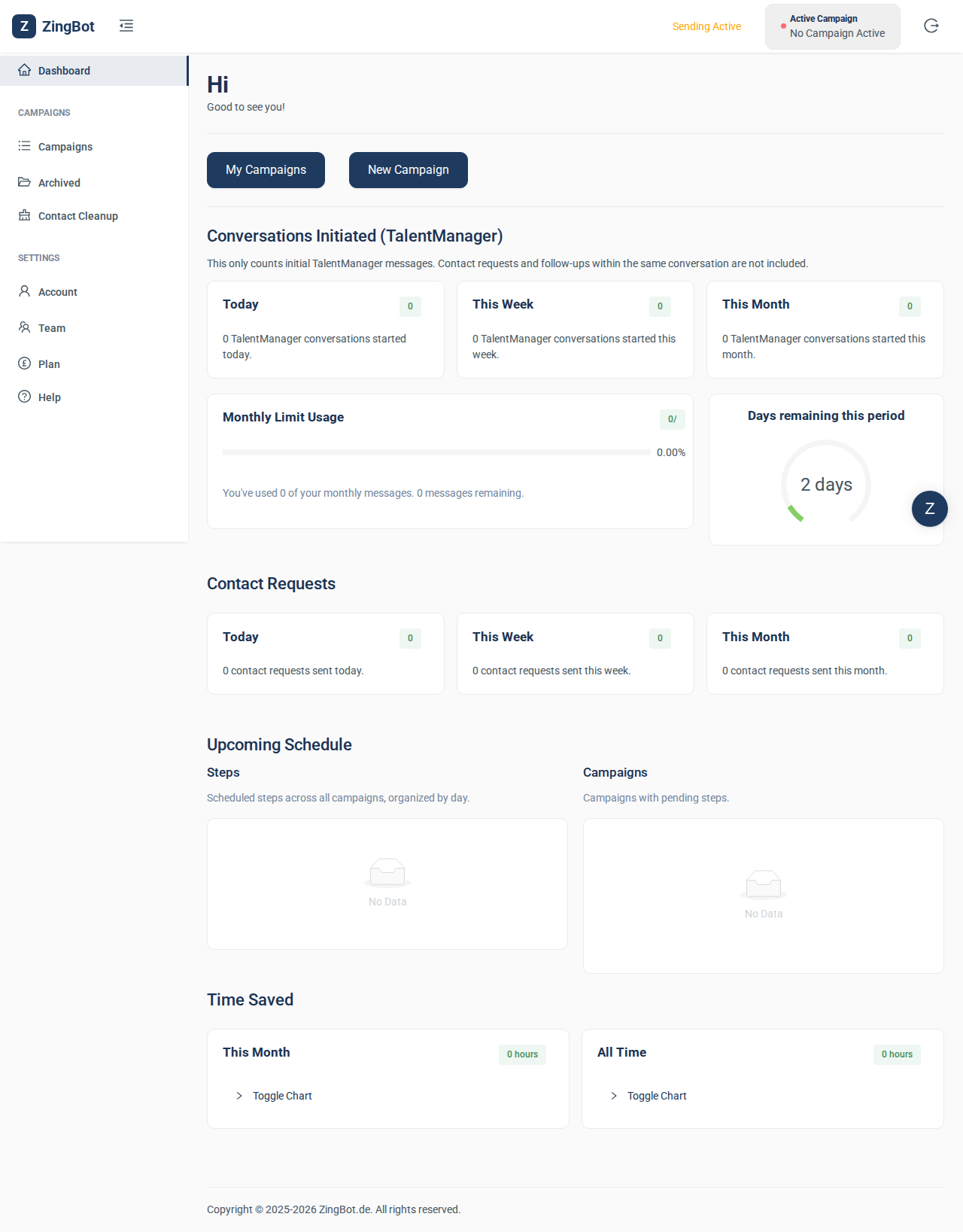
Clicking the link in the email signs you in and opens your dashboard — no password needed. The link works for that one sign-in; next time you simply ask for a new one.