
Open the contact requests page
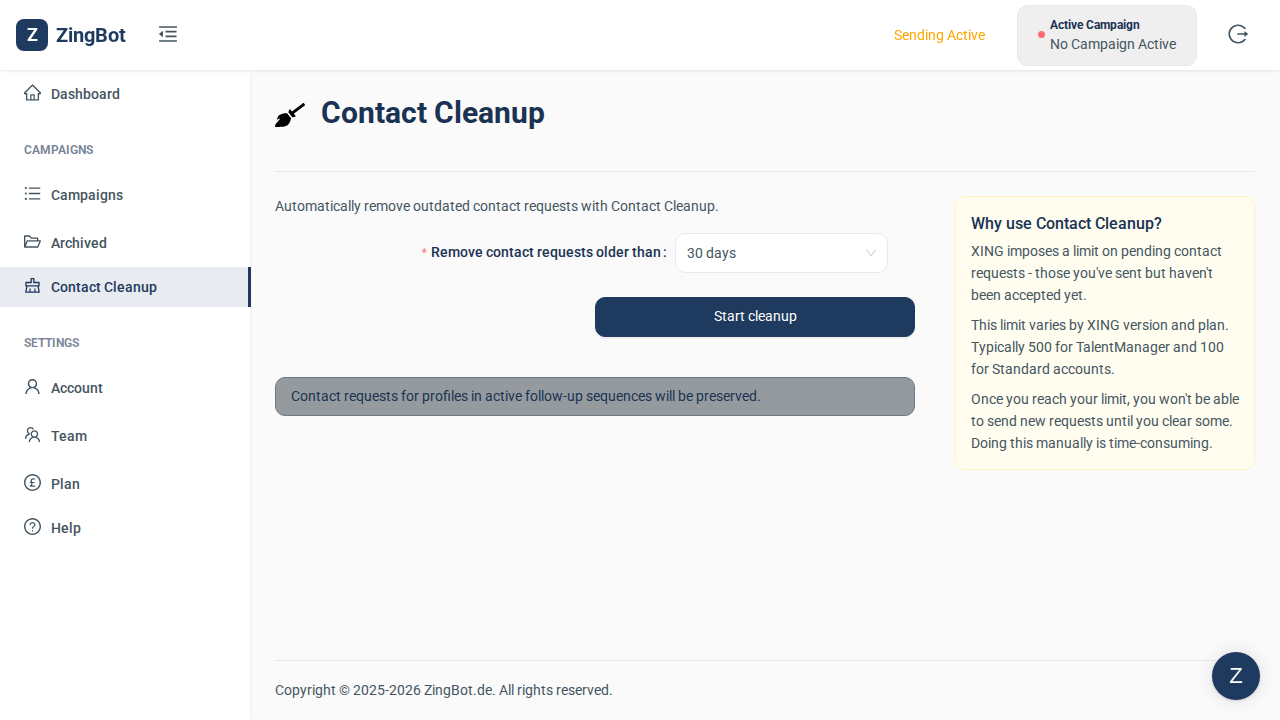
Contact Requests lists the requests you have sent on XING that are still pending. They count against your XING limit even if they are never answered. One prerequisite: your XING credentials must be stored, or the cleanup button stays disabled.
Choose the age threshold
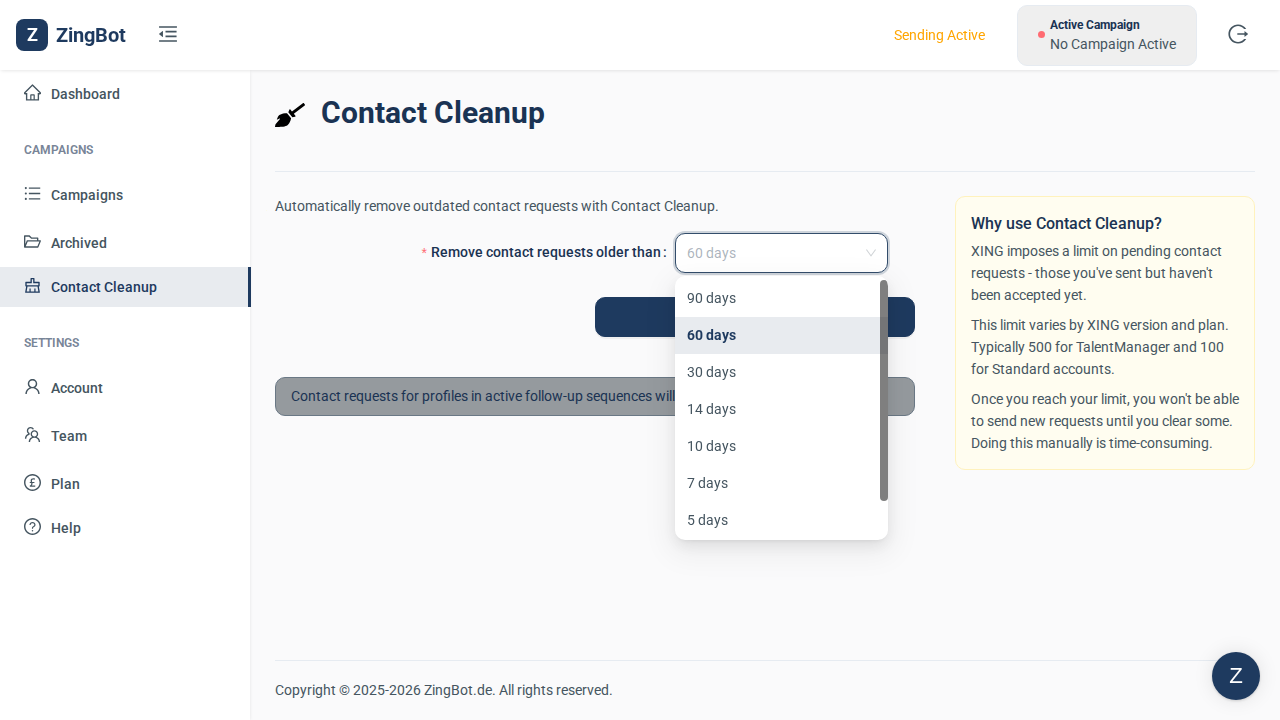
You decide how old a request has to be before it counts as old. Anything older is withdrawn; anything newer is left untouched.
Start the cleanup
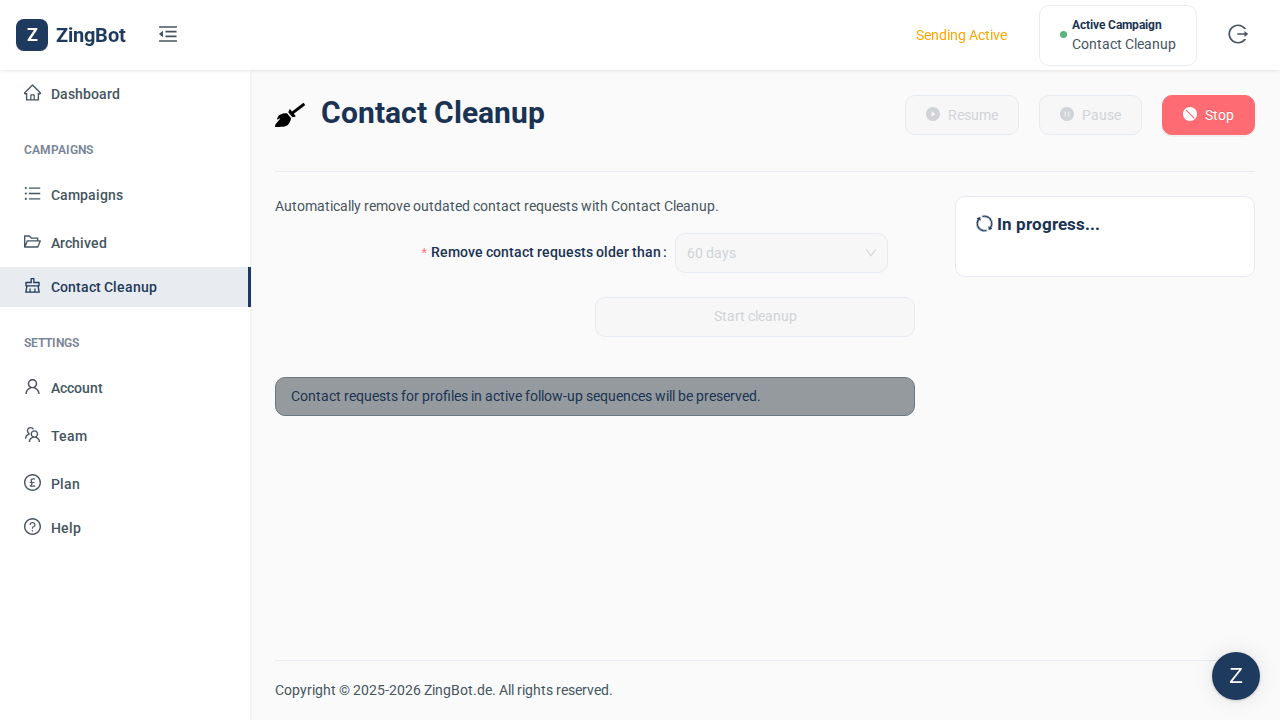
ZingBot now works through the requests inside your XING account. It takes a few minutes; you can leave the page open.
Done
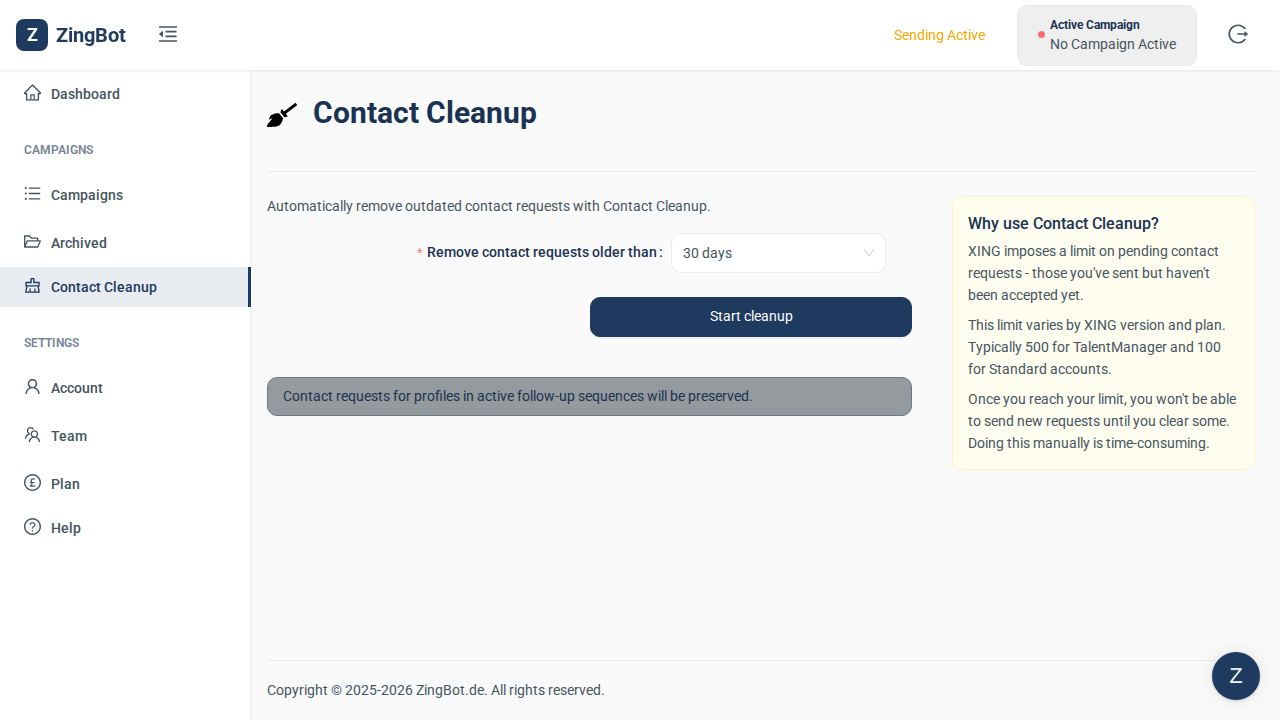
When it finishes, the button is active again. Your old requests have been withdrawn and you have room again within XING’s limits.